February 7, 2011
Quick PDF Library 7.24 beta 2 has been released and is ready for testing. This new beta includes several bug fixes, enhancements and new functions. The 7.24 beta 2 installer can be downloaded from the button below.

Release Notes
New functions
- GetFormFieldNoExport
- GetFormFieldRequired
- SetFormFieldNoExport
- SetFormFieldRequired
Bug fixes
- Bug fix for handling of choice form fields
- Bug fix for processing of Separation color space
- Bug fix for duplicate rendering of image
Enhancements
- Range check improvements to Type1 decoding
- Support for GS1-128 (EAN-128) barcodes
- DataMatrix 2D barcodes can be rotated
- ActiveX edition now marked with ‘Safe for initializing’ and ‘Safe for scripting’ flags
- Support for DeviceN color spaces
- Minor documentation updates
Feedback! Any feedback large or small is appreciated. We’ll shortly be planning the next round of exciting new features for Quick PDF Library, so we’d really like to know what you want to see added to the SDK. Don’t be shy, email us at support@quickpdflibrary.com and have your say.
October 7, 2009
Evaluating PDF SDKs to find the one that’s right for you is a difficult process. Each SDK is unique and requires a certain amount of learning just in order to be able to get setup with it, never mind the effort required to actually find out if the component will meet all of your requirements.
Quick PDF Library Demo
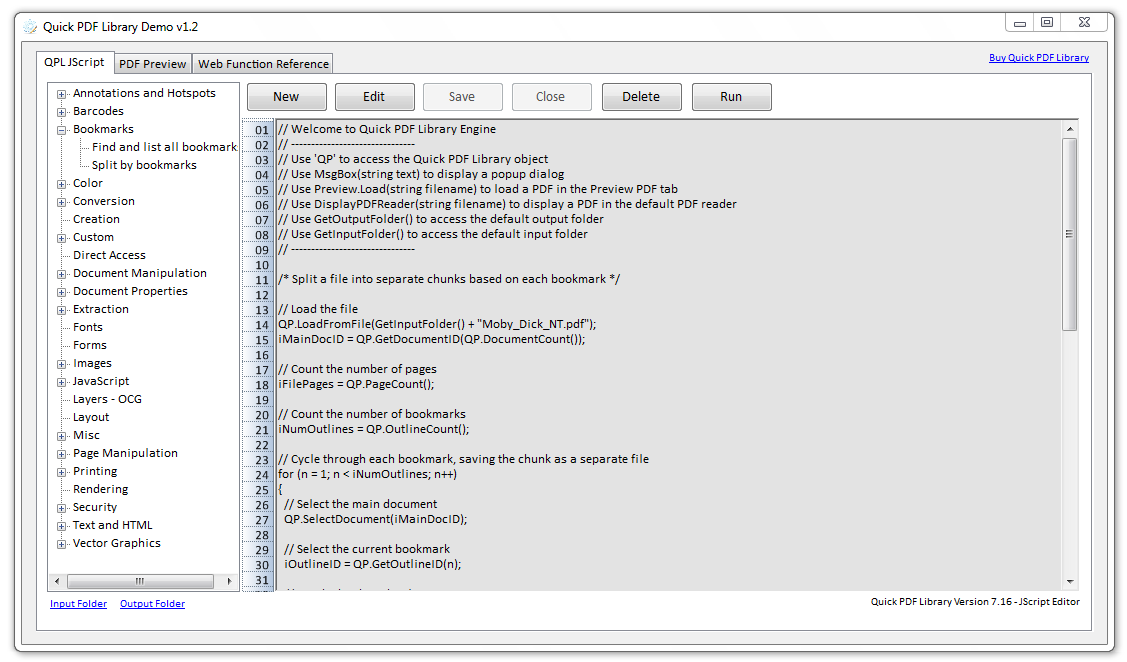
That’s one of the reasons we’ve created a customizable demo application for Quick PDF Library. A demo application that shows you how to perform a wide range of different tasks — such as split pages by bookmarks, convert PDFs to images, extract text and much more — through customizable scripts.
Download the Quick PDF Library Demo
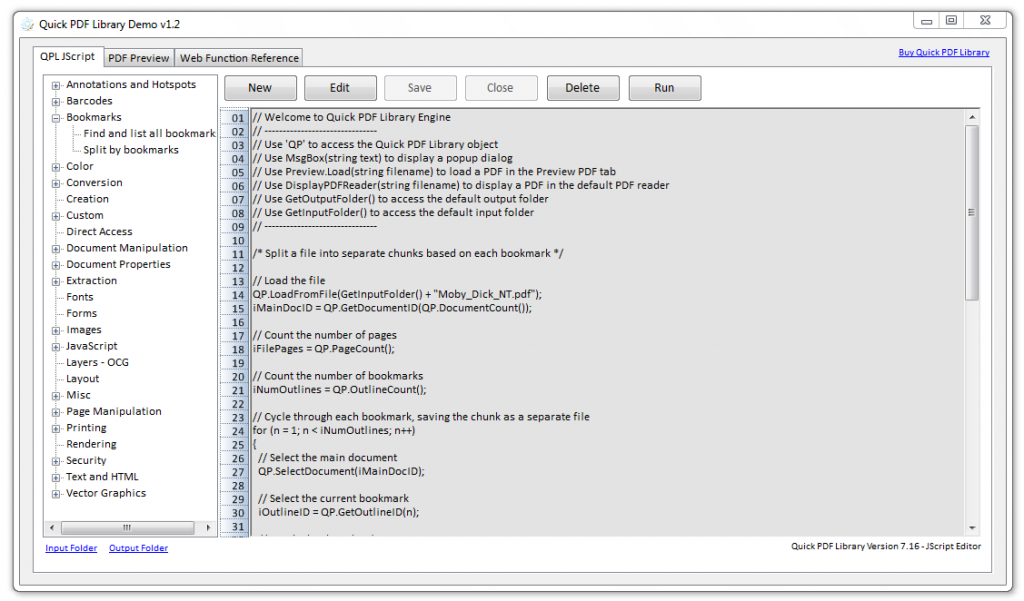
But to begin with, you don’t have to customize anything, you can just select one of the scripts and click on the Run button to see the library in action. No effort required. Then later, if you want to take the library for a spin, you can either customize an existing script or create a new script of your own and save it within the application for future use.
This demo is for new and existing customers alike. The default scripts provided demonstrate how to perform some of the most common PDF related tasks and will be updated frequently in the future with more useful scripts.
Keep in mind that this is only a beta release of the demo, so if you encounter any issues, please send us a message.
Enjoy!